

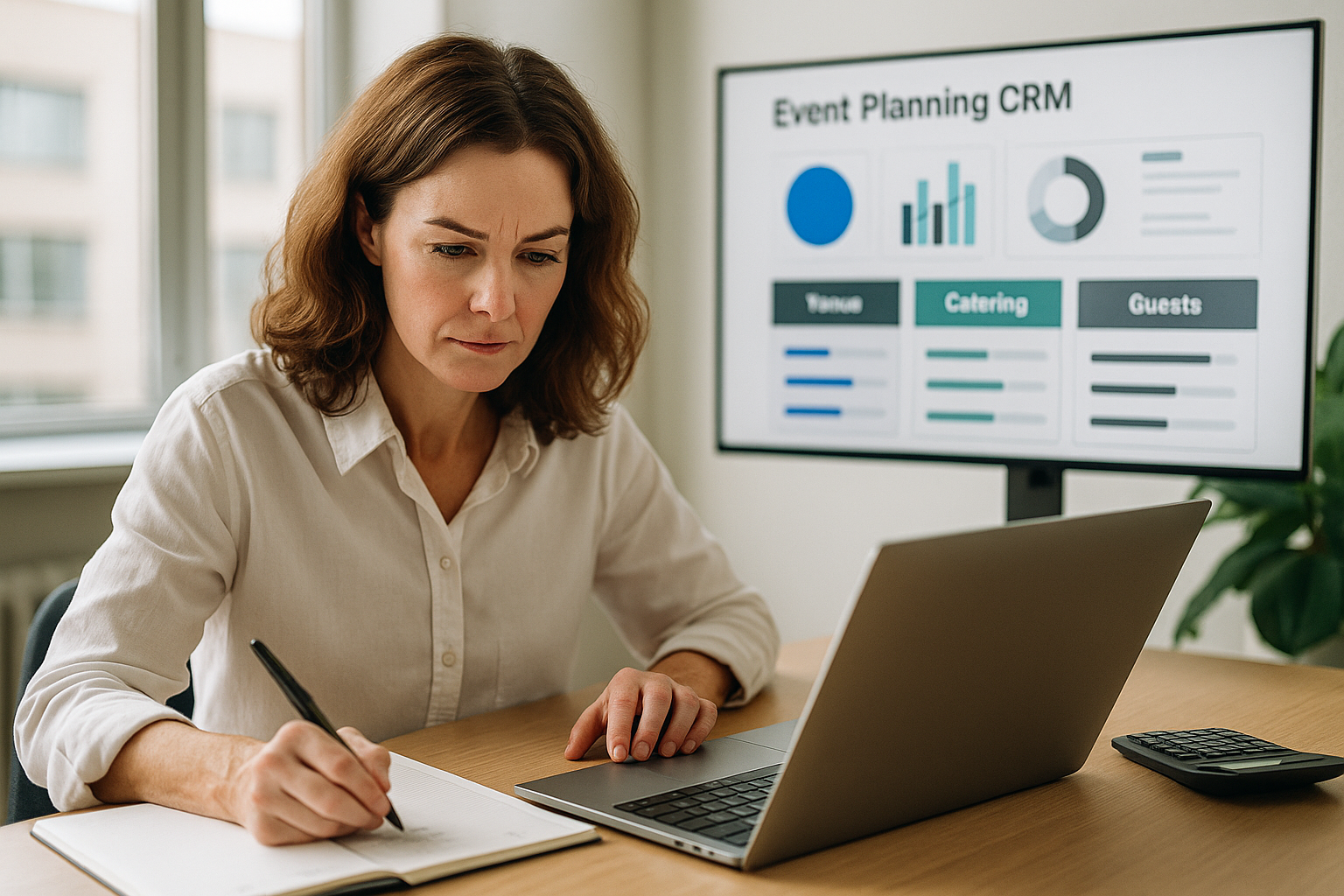
The importance of having a CRM specialized in events
Managing professional events—especially weddings and complex celebrations—requires far more than a spreadsheet and an endless string of emails. It calls for a platform that understands the reality of the industry: multiple vendors, high-impact decisions, guests with changing needs, and inflexible deadlines. A CRM specialized in events is not “another piece of software”; it is the element that turns effort into method. In this article you will see why choosing a tool designed for planners makes the difference, and how to apply best practices to get visible results from the very first week.
1) Why a generic CRM falls short
Generic CRMs are designed to manage sales opportunities and long-cycle commercial relationships. In events, the cycle is intense, coordination is cross-functional, and information is highly contextual. These are the most common shortcomings of generic solutions:
- Lack of context per task: conversations, files, and decisions end up scattered across emails or chats, far from where the work is actually carried out.
- Views not adapted to the event: sales pipelines that do not reflect real stages such as venue, catering, guests, or the day-of timeline.
- Limited collaboration by role: they do not distinguish between what a couple, a vendor, or the internal team should see.
- Finances disconnected from the project: budgets and payments with no direct link to milestones, deliverables, or changes.
2) What a CRM specialized in events solves
A CRM for planners is designed from real-world field practice. Its goal is to remove friction, increase visibility, and speed up decisions:
- Collaborative hubs by stage: each block (venue, music, photography, decoration…) groups tasks, files, owners, and comments in a single space.
- Dashboards by role: planner, couple, and vendor access what they need, with the right permissions and language.
- Living documentation: templates for contracts, briefs, and minutes with version control and integrated signing.
- Finances per event: budget, payment milestones, and invoices linked to specific deliverables.
- Guest management: RSVP, dietary restrictions, and seating plan connected to segmented communications.
- Automations: reminders, recurring tasks, and status changes to keep up the pace without micromanagement.
3) Direct benefits for your operation
Adopting a specialized CRM does not just “tidy things up.” It transforms your team’s productivity and your clients’ experience:
- Faster decisions: by centralizing conversations and files within each task, you avoid searches and misunderstandings.
- Fewer errors: checklists by stage and formal approvals minimize costly omissions.
- Real-time visibility: a dashboard shows you risks, dependencies, and blockers before they escalate.
- A premium experience for the couple: simple dashboards that provide peace of mind and reduce the “how are we doing?” messages on WhatsApp.
- Data that teaches: metrics by vendor, cost vs. budget, and response times to improve every event.
4) How to assess whether a CRM is really “for events”
Before choosing, check the tool against this checklist:
- Event-stage model: can you work with hubs or modules aligned with your real process?
- Profiles and permissions: are there distinct views for the planner, couple, and vendors?
- Documents and forms: does it let you create templates, capture data, and connect it to the project (e.g., to the seating plan)?
- Linked finances: are budgets and invoices tied to milestones and deliverables?
- Useful automations: reminders, recurring tasks, and status changes without complex programming?
- RSVP and segmented communication: can you invite, segment, and follow up without external tools?
- Fast onboarding: can your team understand the interface in a short session?
5) Rollout in 30 days: a practical plan
Good adoption is as important as the tool itself. This four-week plan lets you go live without friction:
- Week 1 — Workflow design: map out your stages (lead → proposal → contract → execution) and the hubs by area. Create the base templates (briefs, minutes, contracts).
- Week 2 — Light migration: import contacts, vendors, and active events. Don’t migrate “everything”; start with what’s live. Set up permissions by role.
- Week 3 — Guided pilot: run a real event inside the system. Measure response times, on-time task rates, and clarity of deliverables.
- Week 4 — Tuning and standardization: improve templates, automations, and dashboards. Document your “house playbook.”
6) Metrics that matter (and how to read them)
Without measurement there is no improvement. Focus on indicators that reflect control and quality:
| Metric | What it tells you | Typical action |
|---|---|---|
| % of tasks on time | Operational discipline by stage | Add reminders and break down large tasks |
| Changes per decision | Quality of the initial brief | Improve brief templates and approval criteria |
| Average response time | Responsiveness of couple and vendors | Define SLAs and automate reminders |
| Budget vs. actual variance | Financial health of the event | Tie payments to milestones and consolidate changes in the budget |
7) Best practices to get the most out of it
- Work “in context”: comment within the task, not through parallel channels.
- Freeze versions: close each round with an “approved” to avoid phantom changes.
- Standardize critical messages: confirm payments, deliveries, and schedules in writing.
- Educate the participants: 10 minutes of onboarding for couples and vendors saves hours of support.
- Reuse and improve: every event should enrich your templates and checklists.
8) How Hubents fits into your day-to-day
Hubents is a CRM + project management system created by planners and for planners. It organizes the reality of the event around living, collaborative tasks rather than static lists. Its pillars:
- Collaborative hubs: each stage with its owners, files, and decisions.
- Dashboards by role: planner, couple, and vendor with exactly what they need.
- Finances per event: budgets, invoices, and payments attached to deliverables.
- RSVP and seating plan: guest data that flows into the table layout.
- Templates and automations: briefs, minutes, and reminders that make you faster.
Conclusion
A CRM specialized in events is not a luxury; it is the operational standard for delivering quality consistently. It gives you clarity, control, and speed, while offering your clients a superior experience. If you want to move from “putting out fires” to running projects with vision and methodology, the path starts with your way of working. And in events, that foundation is a CRM built for your world.